
 Casual
Anycolor
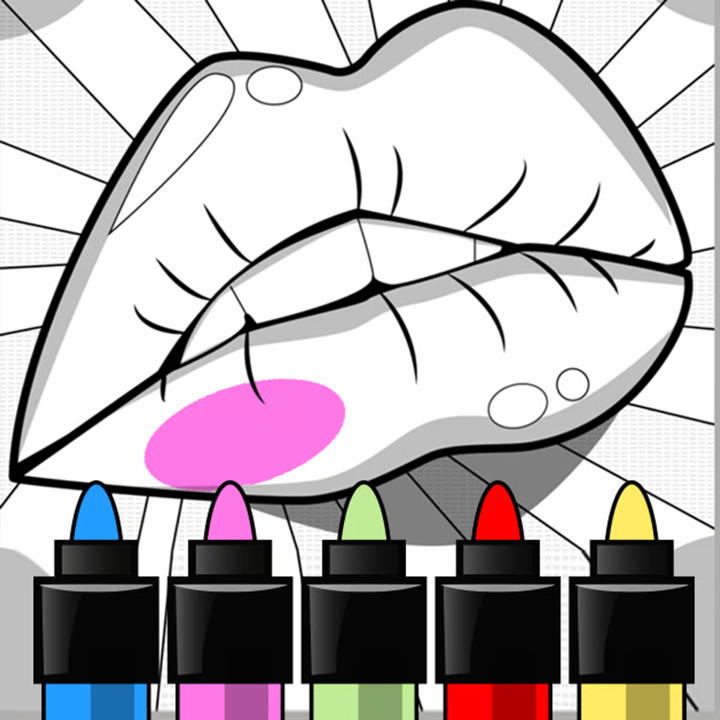
Fill ready-made line drawings with colour, one tap per area or with a brush.
- Genre
- Casual
- Developer
- Aniway
- Devices
- Computer, phone, tablet
- Controls
- Click or tap; scroll
- Session
- One picture at a time
- Players
- 1
- Poki sign-up
- Not needed
- Suits
- All ages
What it is
Anycolor is a colouring game from Aniway, a studio in Finland. You pick a drawing, fill its areas from a palette with a tap or a brush, add a filter or outline at the end and save the picture.
The loop
Start by choosing a picture from the gallery: animals, people, food, vehicles, abstract shapes, manga and horror scenes among them. Poki notes that new drawings are added over time.
Tap or click inside an empty area and it fills with the selected colour. For finer work there is a brush, and zooming in makes the brush smaller so small areas stay tidy. Undo and redo take back or restore the last step.
Each palette is a fixed set of colours, and more palettes unlock as you go. When you are happy with a picture, the arrow button takes you to filters and outlines, and you can download the finished image.
Hands on
- Fill an area
- Click or tap inside it
- Pick a colour
- Click or tap the palette
- Browse pictures, palettes
- Scroll
- Undo, redo
- The buttons on screen
Early advice

Fill the largest areas first, then zoom in for the small ones.
Switch palettes before you start; mixing two palettes in one picture looks busier than you expect.
Use the brush only on areas too small to tap cleanly.
Try a filter at the end before downloading. It changes the mood more than recolouring does.
Good fit
Anyone who wants something calm with no score, timer or way to fail.
Think twice
- There is no challenge in the usual sense.
- Some gallery themes, such as horror, may not suit younger children.
- Poki shows ads around its games.
Also on this sheet




Open it on Poki
Anycolor runs on Poki.com, a separate site with its own ads and cookies. We are not affiliated with Poki; the link opens in a new tab.
Open Anycolor on Poki.com →